An In-Depth Week with Antigravity CLI: A Powerful Tool and Evolutionary Path Toward the Agent-First Era
After nearly a week of intensive, in-depth use of the Antigravity CLI, I have compiled this comprehensive summary of its core advantages and areas for future improvement. As a power user who simultaneously utilizes multiple AI programming tools (including two Claude Code Pro subscriptions and Codex), I will objectively evaluate its pros and cons from a practical productivity perspective.
🌟 Core Highlights and Advantages (👍 What It Does Well)
1. A True Agent-First Platform: A Paradigm Shift Over Traditional CLIs
The Antigravity CLI achieves a genuine "Agent-First" design philosophy, allowing its performance in actual coding and multi-task collaboration to far exceed that of the previous generation Gemini CLI.
2. Stunning Performance from the Default Gemini 3.5 Flash (Medium) Model
The system's default Gemini 3.5 Flash (Medium) model delivers stunning performance. It significantly surpasses the previous 3.1 Pro model in speed, context comprehension, and reasoning capabilities, providing an excellent daily coding experience.
3. Multi-Model Ecosystem Support: A Formidable Fallback Arsenal
Continuous support for top-tier third-party models like Claude 3.5 Sonnet / 3.6 Opus and GPT-o4s is the core trump card of the Antigravity CLI. In tricky scenarios where Gemini occasionally hits a bottleneck, a one-click switch to a third-party model often yields breakthrough solutions.
4. Ultimate Cost-Effectiveness: The "Money-Saving Aesthetics" of the $99.99 Ultra Subscription Tier
The newly introduced $99.99 Ultra subscription tier is simply a boon for developers! Previously, I subscribed to the $249.99 tier, but I could never exhaust the daily quota. Combined with my concurrent subscriptions to two Claude Code Pro accounts (totaling $40) and Codex, the introduction of the Ultra tier directly saves me $150 in fixed monthly expenses, maximizing cost-effectiveness.
5. Flexible Workspace Management: Support for `/add-dir`
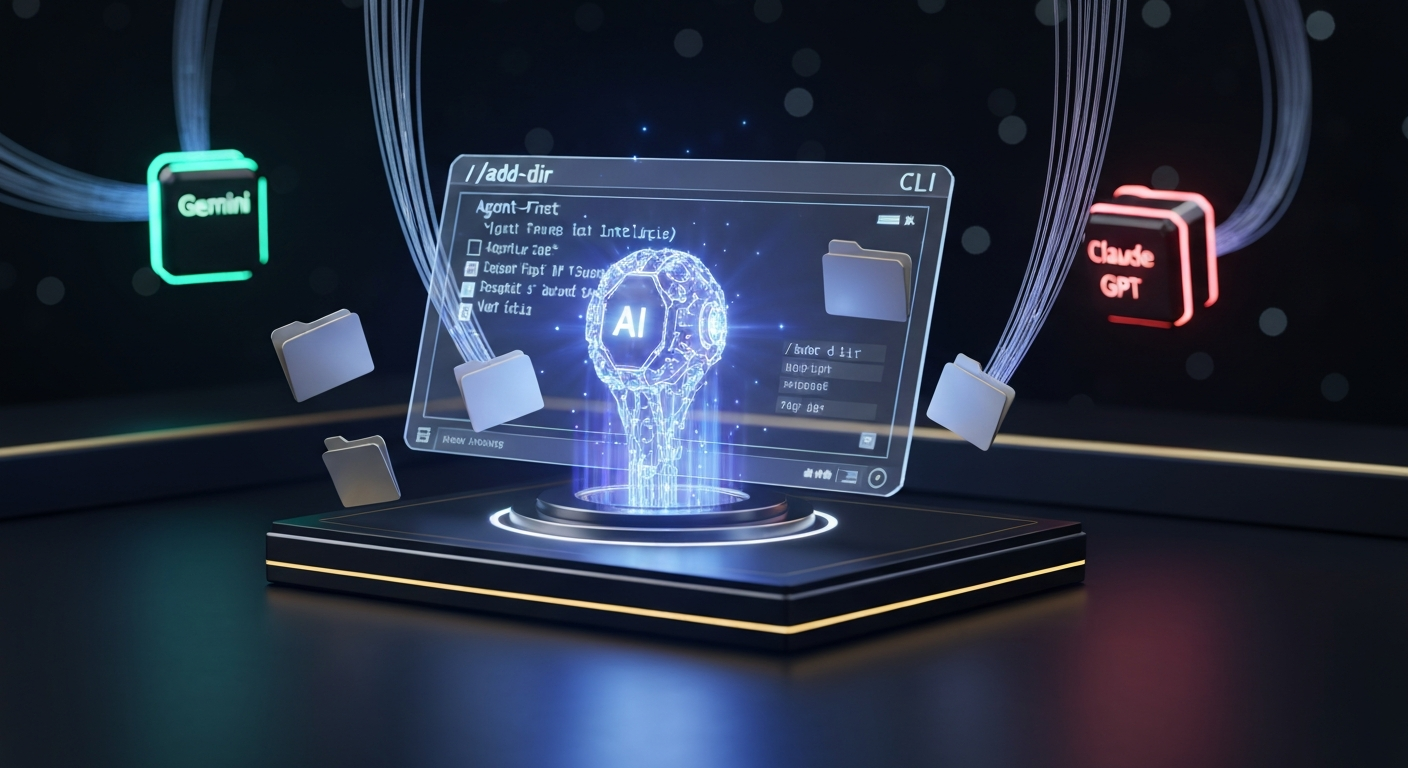
Although the Antigravity CLI is launched from a specific directory, it introduces a workspace-like concept similar to Claude Code. Through the /add-dir command, developers can easily expand the context space, which perfectly aligns with the development workflows of large and complex projects.
6. Rich Slash Commands Ecosystem
It supports an extremely rich command matrix, such as /rewind, /fast, /btw, /artifact, /agents, /permissions, /config, and /planning. This grants the command line exceptionally high controllability and room for deep customization.
⚠️ Pain Points and Areas for Optimization (💬 What Needs Improvement)
1. Lack of Clipboard Image Support (Cannot Paste Images Directly)
• Current Status: It currently does not support pasting images directly from the clipboard via Command + V. Users must manually specify the absolute or relative path of local images.
• Critique: This is extremely inconvenient during UI debugging and bug reporting. Claude Code offers a much better quick-paste experience in this regard, and I hope to see this feature implemented soon.
2. Slightly Cumbersome Mode Switching Interaction
• Current Status: Although /planning and /fast modes have been introduced to accommodate tasks of varying complexity, the interactive experience feels somewhat chaotic.
• Suggestion: I recommend introducing a shortcut design similar to Shift + Tab in Claude Code to achieve seamless and intuitive mode switching.
3. Plugin Ecosystem Still Needs Refinement
• Current Status: The current ecosystem is just in its infancy, lacking the rich community plugins found in Claude Code (e.g., ccstatusline, claude-mem, claude-hud).
• Outlook: I look forward to more open APIs in the future, allowing developers to customize their own CLI status bars and auxiliary tools.
4. Rapid Token Consumption Rate
• Compared to 3.1 Pro, the Token consumption rate of the Antigravity CLI is about 3 times faster. For power users, the depletion of quotas is very noticeable, necessitating more granular context control mechanisms.
5. Foundational Toolchain (e.g., Diff Display) Needs Refinement
• The experience with some built-in tools is not yet optimal. For instance, the diff view for code changes is neither intuitive nor aesthetically pleasing, leaving significant room for improvement in visual readability.
🚀 Practical Results and Autonomous Repair Case Study
The image below intuitively demonstrates the outstanding capabilities of the Antigravity CLI in actual coding. Its level of intelligence and engineering implementation capabilities are indeed vastly superior to the previous Gemini CLI.
In a recent task, it autonomously identified and elegantly resolved two critical engineering blockers:
- Autonomously corrected the npm mirror registry configuration issue, unblocking the dependency download pipeline.
- Autonomously resolved a local port conflict issue, ensuring the successful startup of the development service.
🖼 Image: Antigravity CLI Practical Results → http://localhost:4322//images/blog/upload_1779849330984_e454b9db6eb576cbab8a04e81a6ab860.png***